
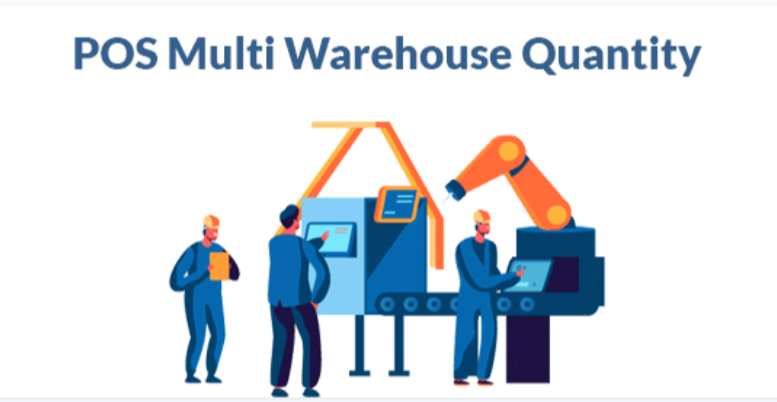


POS Multi Warehouse Product Quantity
Manage Multiple Warehouses in POS Odoo
POS with Warehouse-wise Stock and Picking in Odoo
POS Unreserved/Available Quantity by Warehouse Odoo App
POS Ready Picking and Out of Stock Order Handling Odoo App
POS Multi Warehouse Management Odoo app helps users to manage point of sale orders with multiple warehouses, users can configure multiple warehouses. Users have also the option to display “Available Quantity or Unreserved Quantity” and selected warehouse stock with selected stock type will be displayed for products in the point of sale screen. While selecting products, users can enter quantities from different warehouses and picking will be created from different warehouses with different quantities. Users have also the option to create picking in “READY” state and allow POS order even product out of stock.
Features
Point of Sale Multi Warehouse
User can configure and display stock from different multiple warehouse.
Display Available or Unreserved Stock Quantity
Display available or unreserved stock quantity in POS screen.
Set Picking In Ready State
User can set point of sale order picking in ready state.
Allow POS Order When Product is Out of Stock
User can create POS order even product out of stock.
| Select Version | V15, V16, V17, V18 |
|---|
Related products
Inventory

Inventory

All In One

Inventory

Inventory
Inventory